Private by design
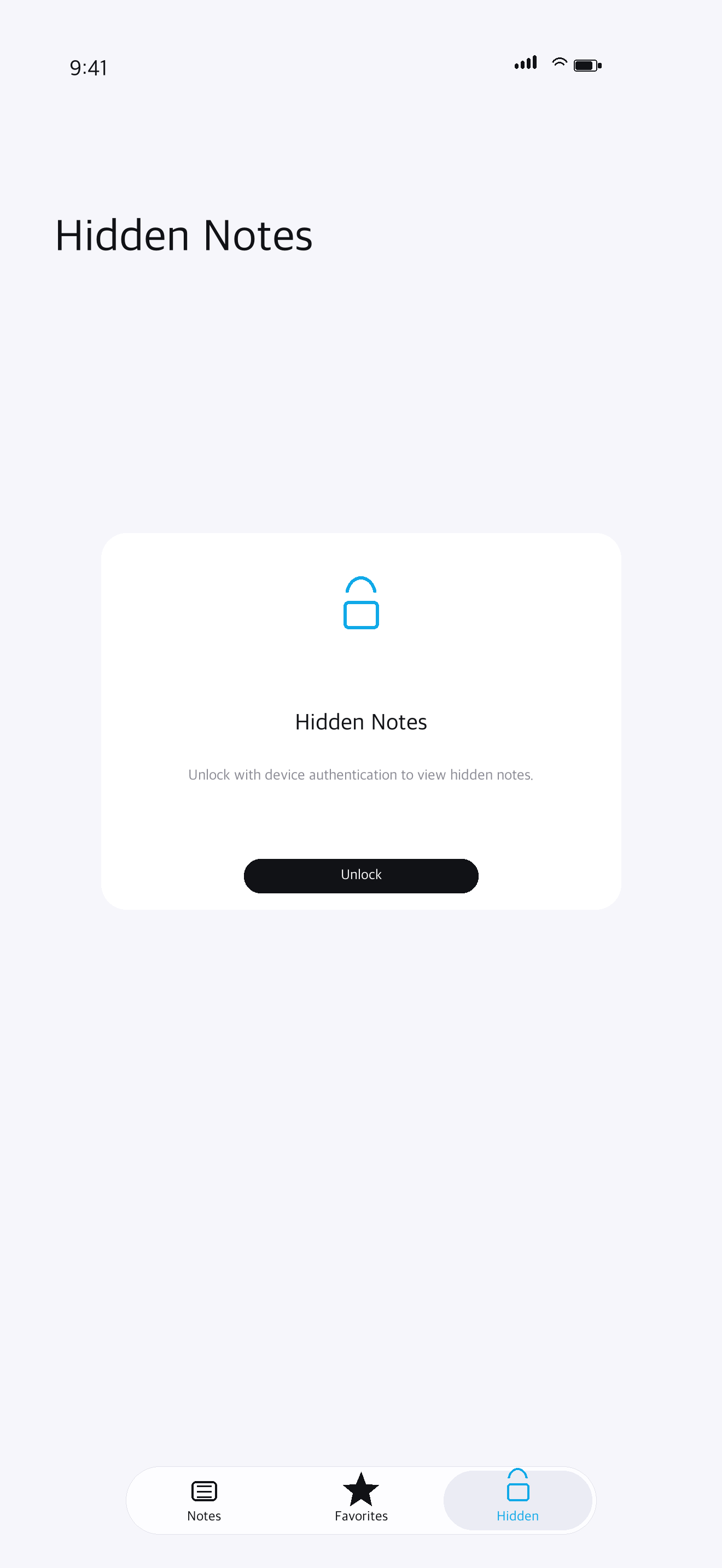
Notes stay on your device. Hidden Notes can use Face ID, Touch ID, or your device passcode.
 OctiNote
 Local-first notes for iPhone and iPad
Write quickly, find what matters, and keep sensitive notes behind the same lock you already use on your device.
Quiet by design
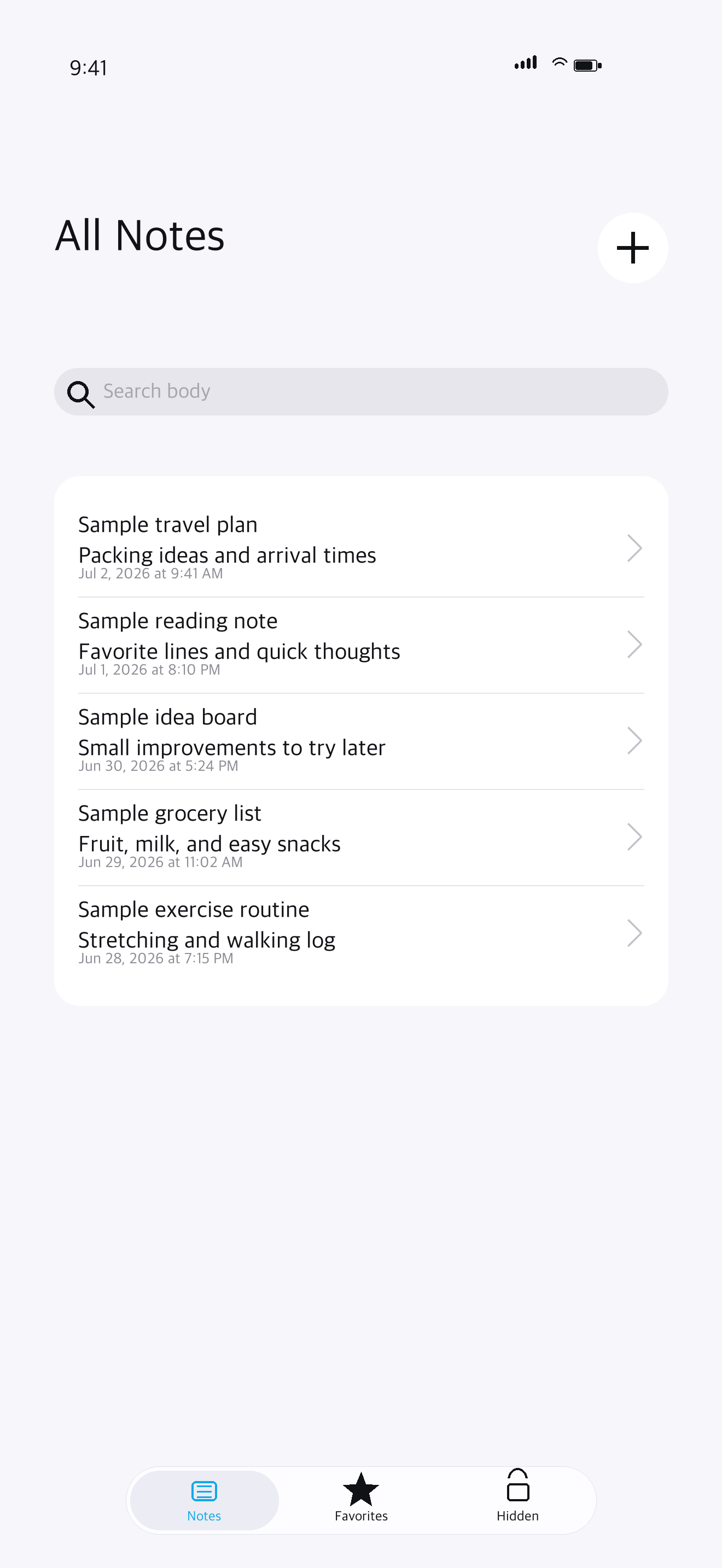
A clear inbox, favorites for important ideas, Hidden Notes for private content, and useful tools that stay out of the way until you need them.
Notes stay on your device. Hidden Notes can use Face ID, Touch ID, or your device passcode.
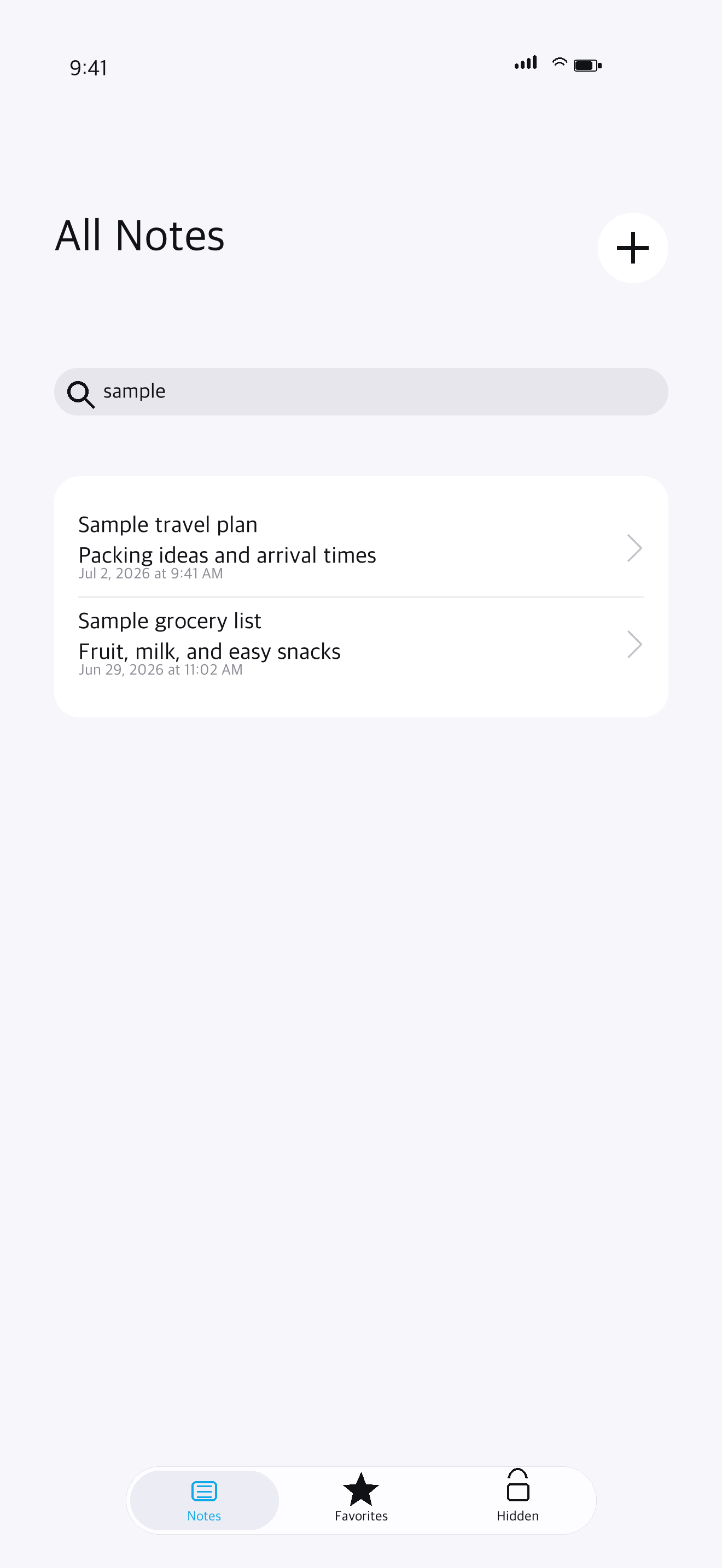
Search the words you remember and return to the note without interrupting your writing flow.
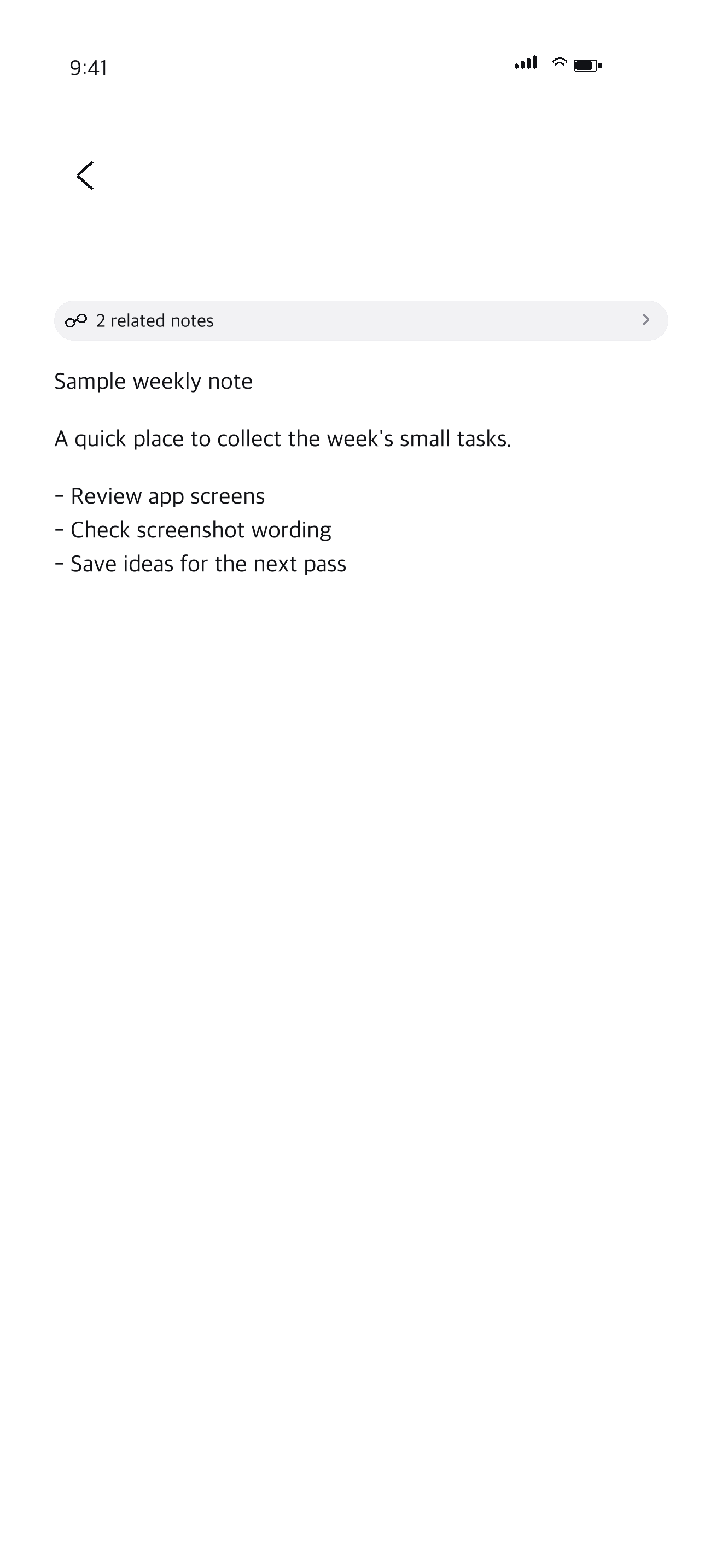
Add checklists, bullets, date stamps, and copy a full note from a focused editor.
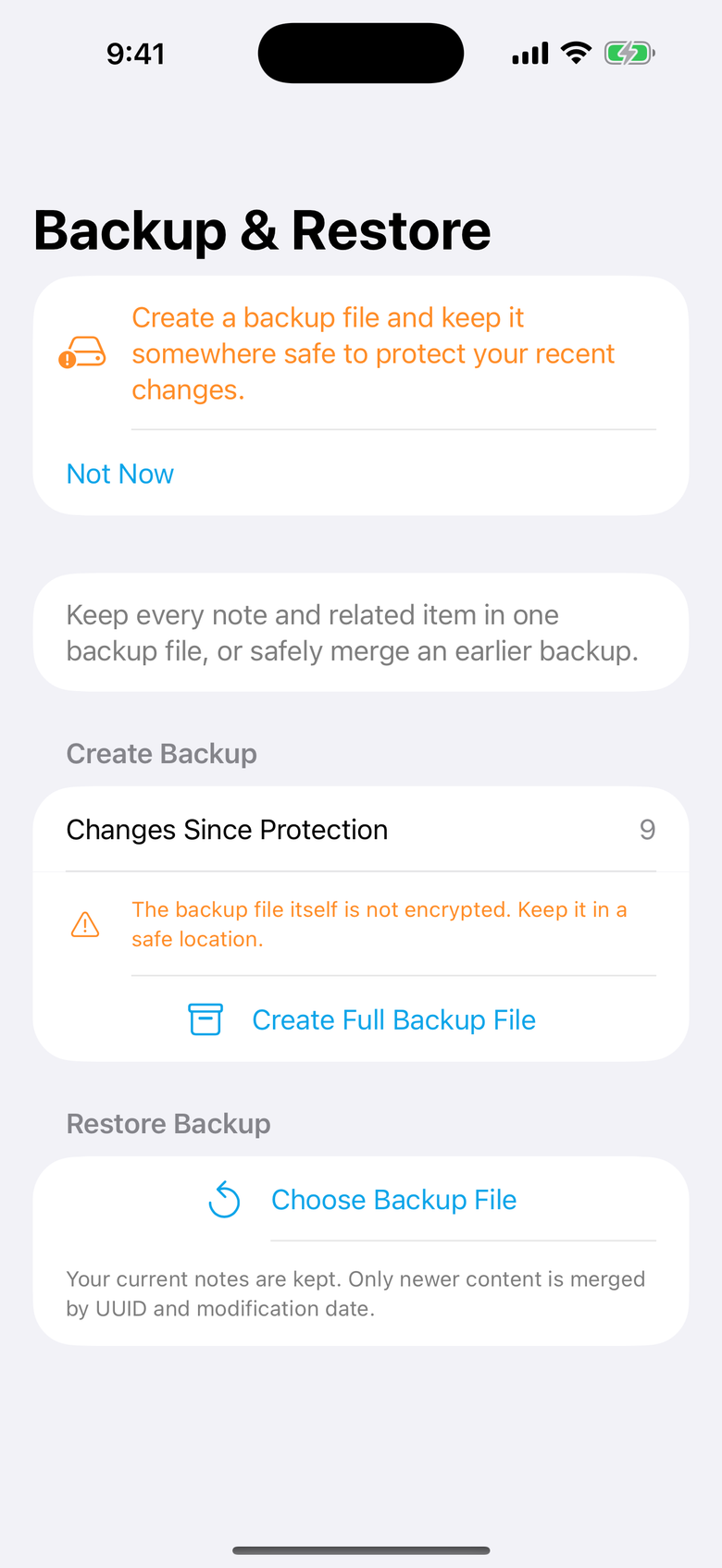
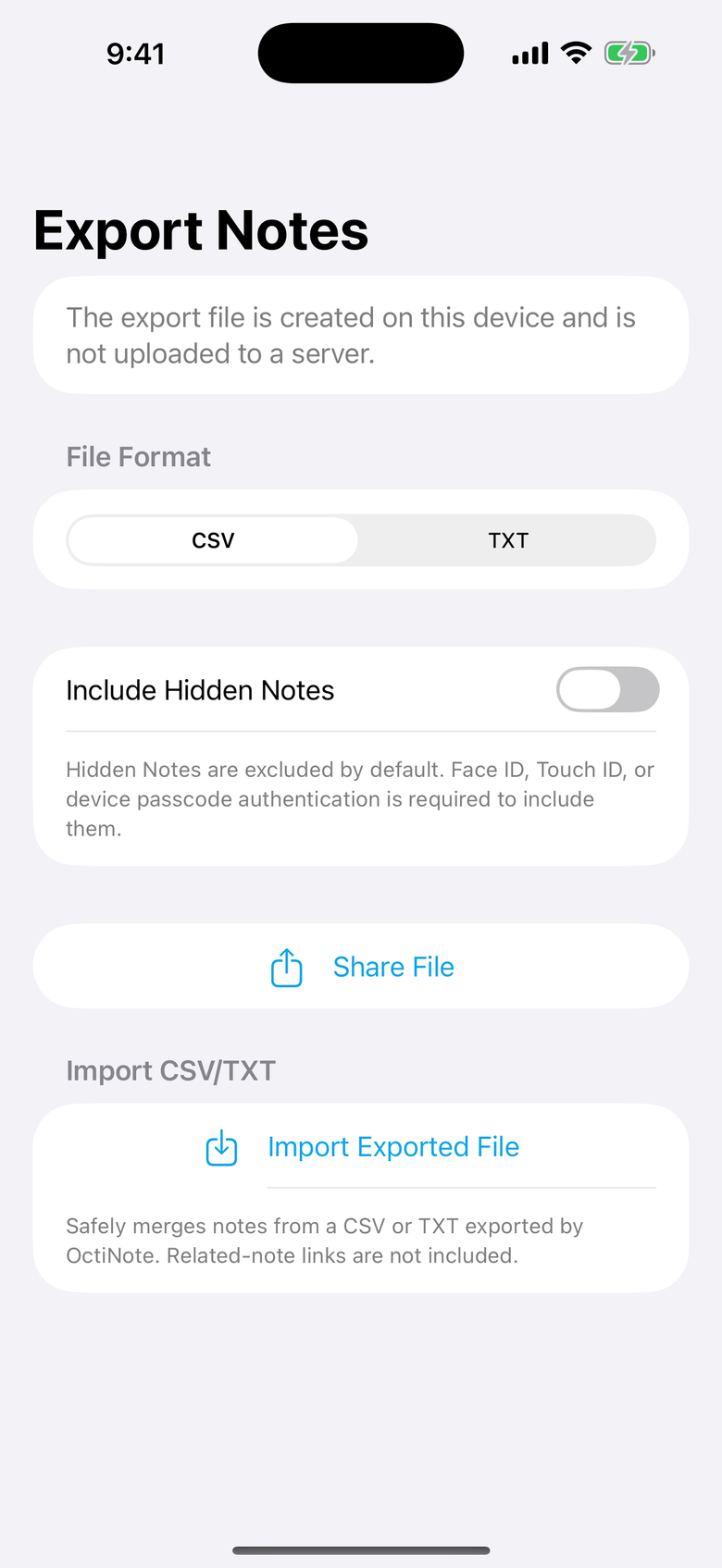
Create a local backup or move notes with CSV and TXT files when you choose.
A simple rhythm
Capture everyday thoughts from the main note list.
Favorite important notes and move sensitive ones to Hidden Notes.
Search your notes and unlock hidden content only when you need it.
The real app
Stored locally
OctiNote does not operate its own note-sync server. Device authentication protects Hidden Notes, and file backup happens only when you choose it.
Good to know
Note content is stored locally on your device by OctiNote. The app does not run its own note-sync server.
Yes. OctiNote can show Google AdMob banner ads and App Open ads. Consent and privacy options are provided where required.
Yes. Use the support page to send a question, report a problem, or suggest a feature.
OctiNote
Available for iPhone and iPad on the App Store.